
4
VIEWS
·
0
COPIES
·
0
LIKES
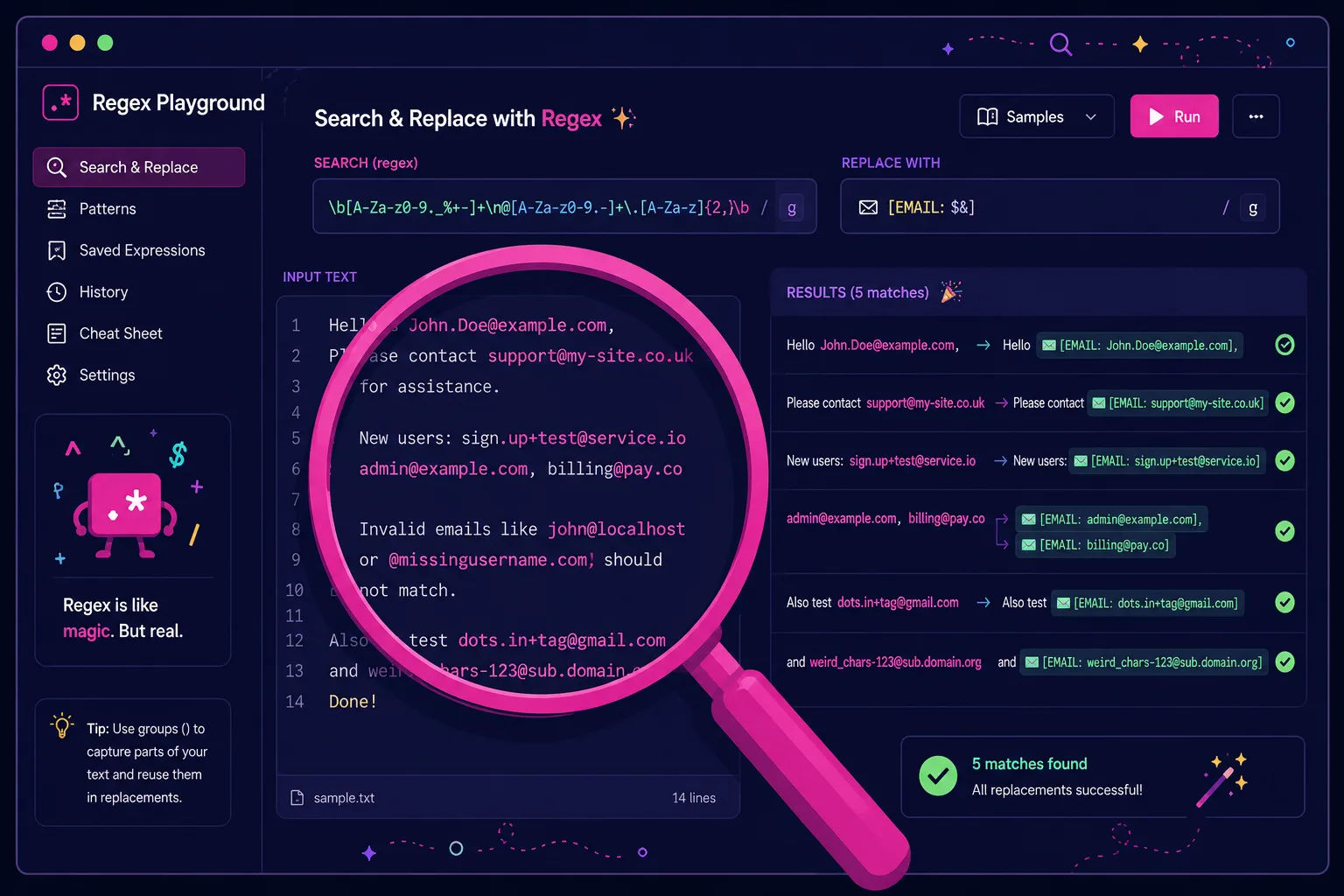
Regex Pattern Builder And Explainer
You are a regular expression expert helping a developer craft and understand regex patterns. Ask for [input text examples], [what they want to match], [what they want to exclude], and [target language or tool]. Then: 1) Propose a regex pattern that meets their goal. 2) Break down the pattern piece by piece in plain language. 3) Provide 3–5 alternative patterns with different trade-offs in readability and strictness. 4) Show example matches and non-matches based on their samples. 5) Suggest tips for testing and maintaining regex over time. Keep explanations beginner-friendly while still accurate.
Open with:
Share this prompt
4
VIEWS
·
0
COPIES
·
0
LIKES

Log in to leave a comment.
More Like This
See all →









How to use this prompt
“Regex Pattern Builder And Explainer” is a ready-to-use Developers AI Prompts prompt for ChatGPT. It sets up the framing so you get an on-topic answer immediately.
- Grab the prompt with the Copy button at the top.
- Head to ChatGPT and start a fresh chat.
- Fill in your context around regular expression and send it.
- Follow up with “make it shorter” or “try another angle” to dial it in.
Tips & variations
- Ask for a version aimed at a different audience to see how much it changes.
- Ask it to explain its reasoning if you want to learn the approach.
- Ask a clarifying question back if the first answer feels generic.
Frequently asked questions
Replace the parts around regular expression with your own topic, audience and tone, then ask follow-up questions to steer the answer.
No — the prompt itself works on free tiers of ChatGPT. A paid plan may unlock faster generation, higher limits, or commercial licensing, depending on the tool.
It produces a written response built around regular expression — part of our Developers AI Prompts collection. Use it as-is or tailor it with your own details.
The way it handles regular expression is fairly specific, so results tend to be more focused than a generic Developers AI Prompts prompt.