
2
VIEWS
·
0
COPIES
·
0
LIKES
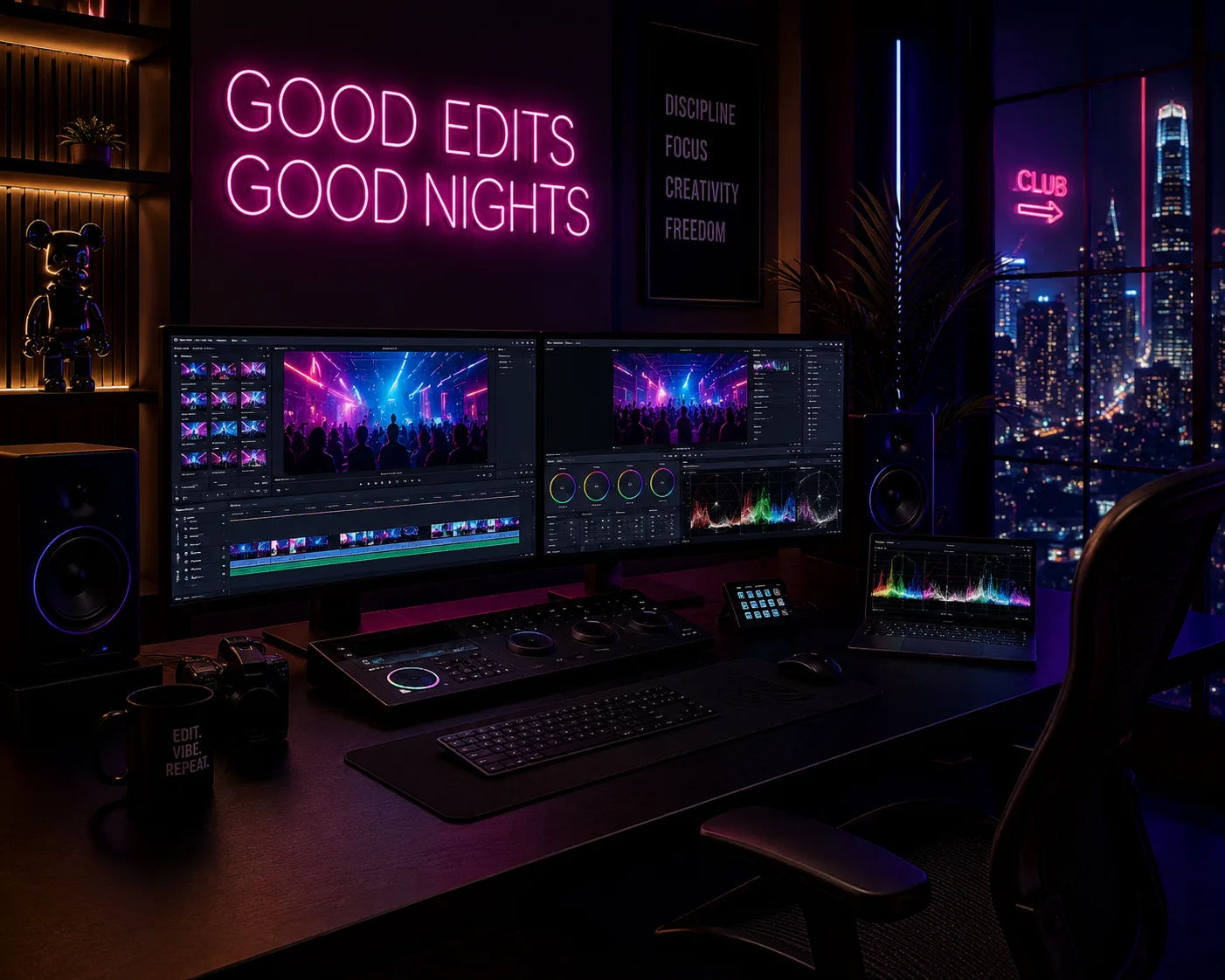
Nightlife Photo Enhancement
Enhance the uploaded nightlife image with neon reflections, cinematic low-light editing, sharper subject details, vibrant club lighting, and premium nightlife photography aesthetics.
Share this prompt
2
VIEWS
·
0
COPIES
·
0
LIKES

Log in to leave a comment.
More Like This
See all →
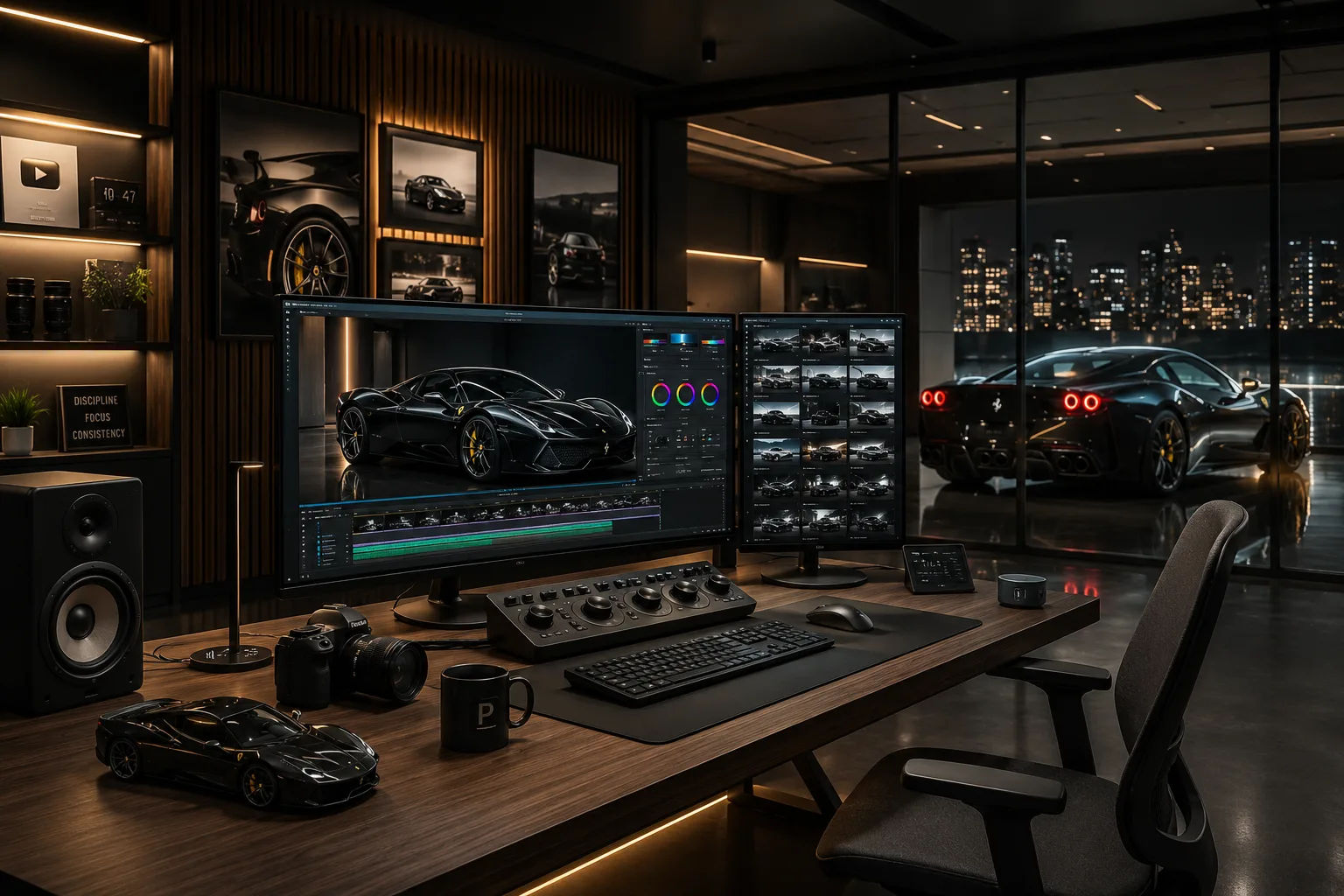
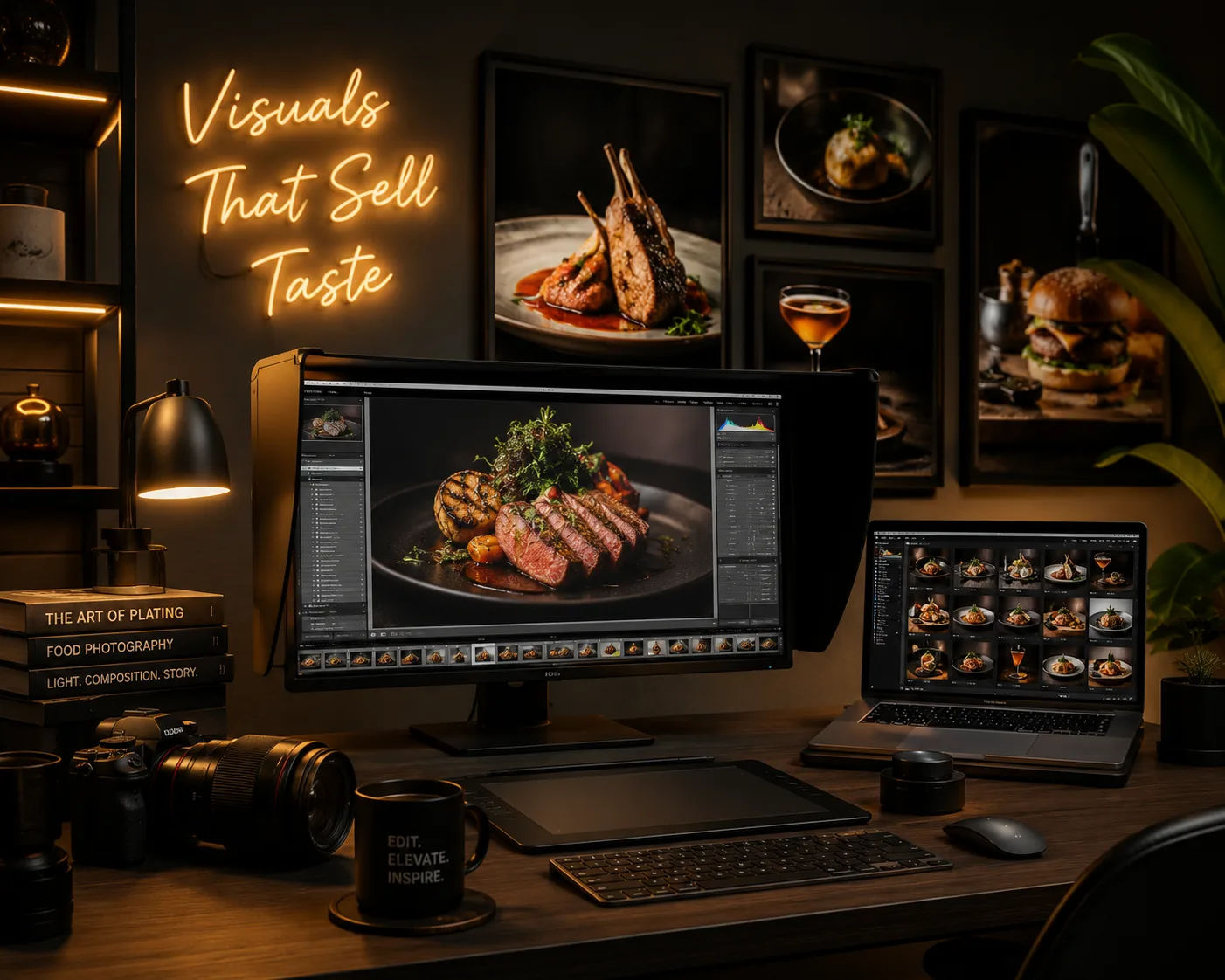
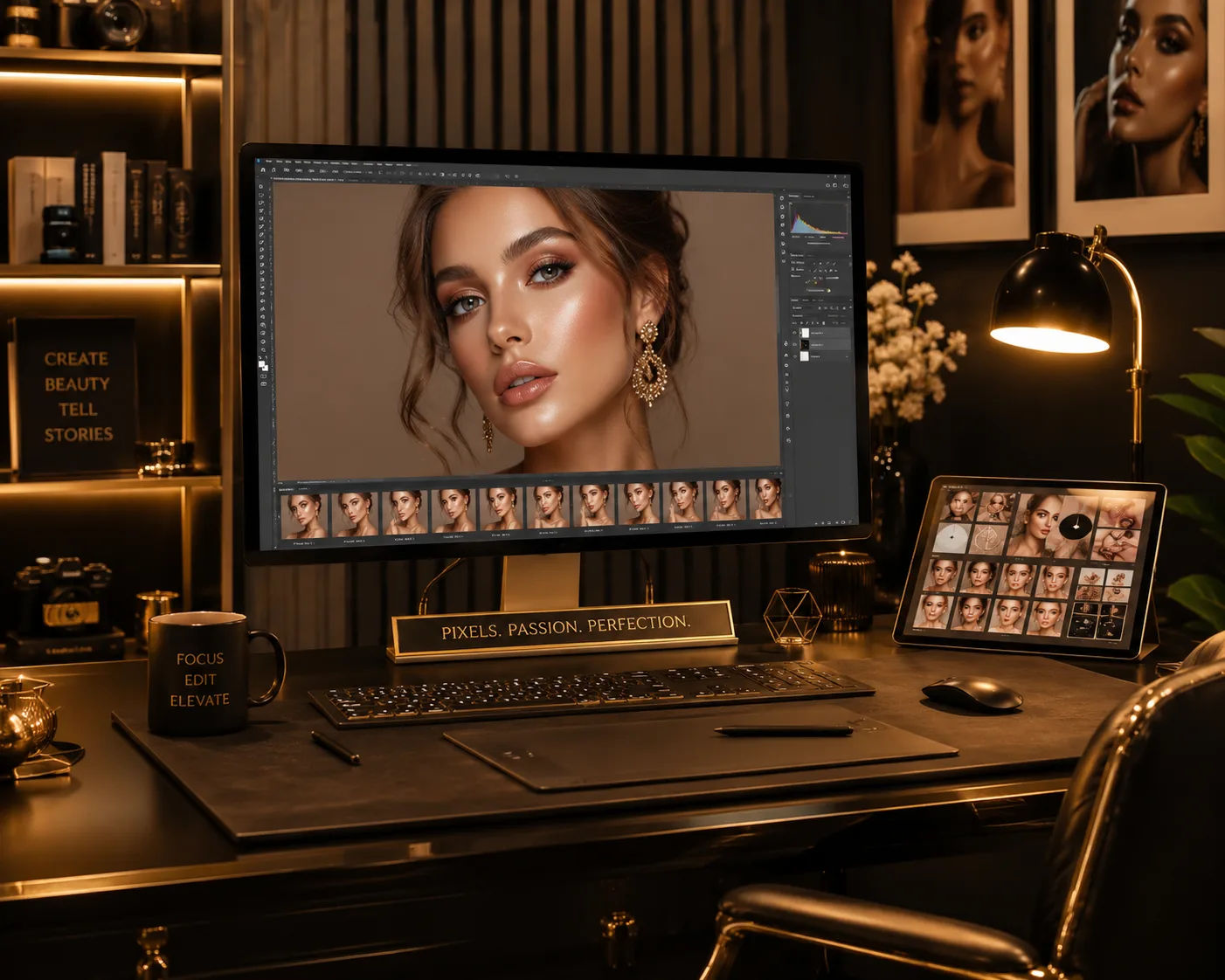
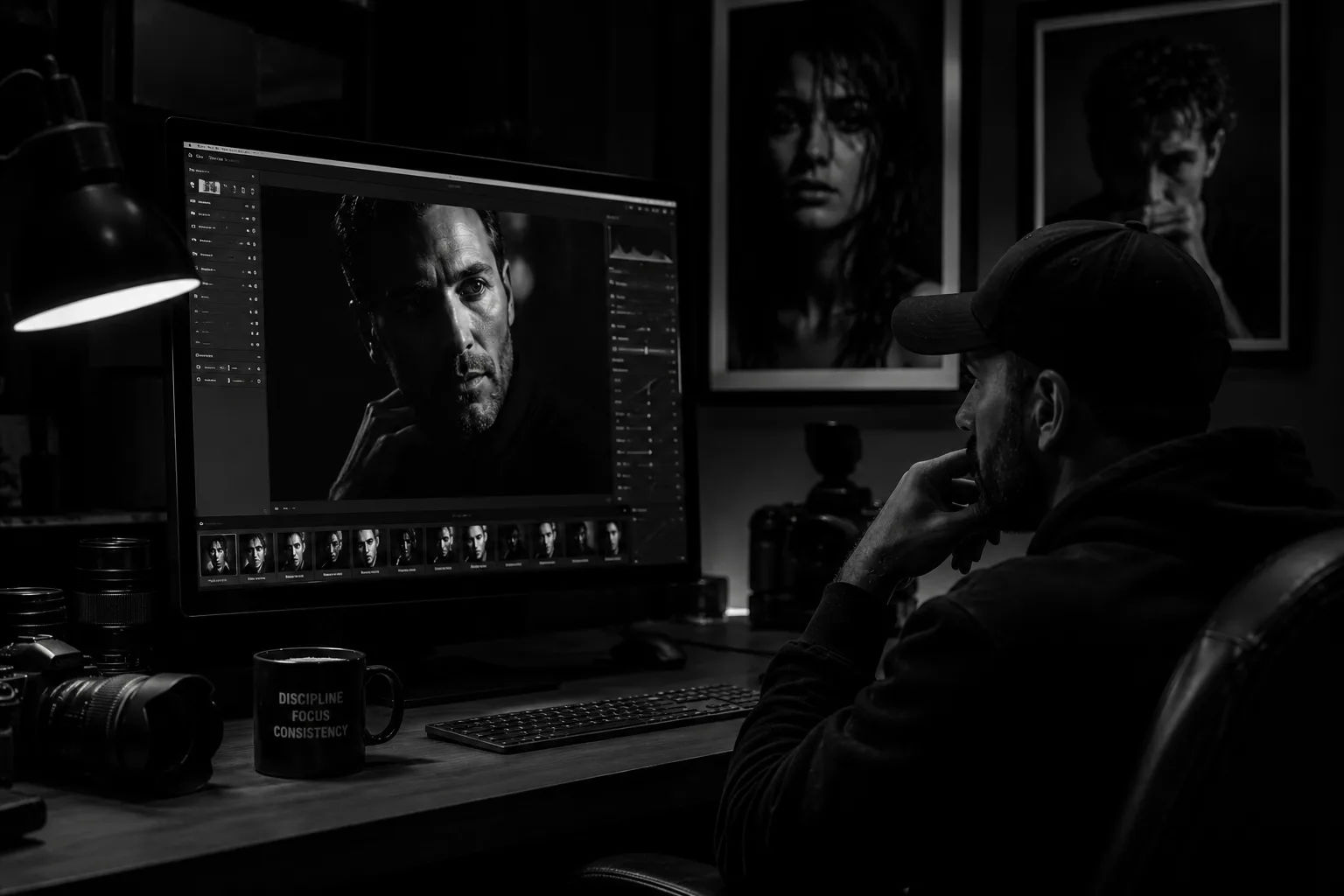
How to use this prompt
This prompt turns a single click into a finished “Nightlife Photo Enhancement” visual. It’s written for Gemini (and works just as well in Midjourney, DALL·E 3 or Gemini), so you can generate, tweak and re-roll until it’s exactly right.
- Copy the prompt with the button at the top of this page.
- Head to Gemini and start a new image.
- Paste, then set your preferred aspect ratio before generating.
- Download the version you like and share it.
Tips & variations
- Swap the main subject for your own to completely change the scene while keeping the style.
- Change the lighting words (e.g. “golden hour”, “studio”, “moody”) to shift the whole mood.
- Add an aspect ratio that fits your platform — portrait for Instagram, wide for banners.
Frequently asked questions
AI models are non-deterministic, so results vary each run even with the same prompt. Generate a few times and pick your favourite, or lock a seed if your tool supports it.
It generates a visual based on “Nightlife Photo Enhancement” — part of our Gemini Photo Editing Prompts collection. Use it as-is or as a starting point you customise to taste.
It’s set up for Gemini, and it also works well in Midjourney, DALL·E 3 or Gemini. Image models vary, so try the same prompt in a couple of tools and keep the result you like best.
Yes — every prompt on the site is free to copy and use. You only need an account with the AI tool you choose to run it.